For law firms, accountants, doctors and companies with sensitive data wanting to use AI on contracts, appraisals and client documents without uploading them to an American cloud service.
Open-source AI models installed on your server or Mac: they read contracts, assessments and procedures without sending anything outside your company.
For whom
Professional firms and companies handling confidential client data that can't use cloud AI.
Timeline
Active in 2–4 weeks, team training included.
Price
One-time cost in writing before you sign, optional maintenance. No per-use costs.
Sound familiar?
“We'd like to use AI on contracts, but we can't send client data to an outside service.”
“Employees use ChatGPT on the sly, each their own way with no rules.”
“GDPR forbids transfers outside the EU and standard clauses aren't enough.”
“Cloud per-use costs are unpredictable and change every month.”
“We don't know what model we need or what computer it takes.”
“The AI Act asks for employee training and we don't know where to start.”
Cloud AI has a problem, and it's not quality
Every time you upload a contract to an outside AI service, that document leaves your network, often to servers outside the European Union. For a law firm, accountant or doctor this isn't a technical detail: it's a transfer of personal data that GDPR asks you to justify, and standard clauses aren't enough anymore. Meanwhile employees use ChatGPT secretly, each their own way, and no one knows what got uploaded.
An on-premise AI model is a program that runs on your server or Mac, reads the documents you choose and answers without connecting to the internet. Current open-source models (Llama, Mistral, Qwen, DeepSeek) do reading, summarizing and data extraction on company documents with the quality you need. Cost is one-time, not per-use. And you always know who asked what.
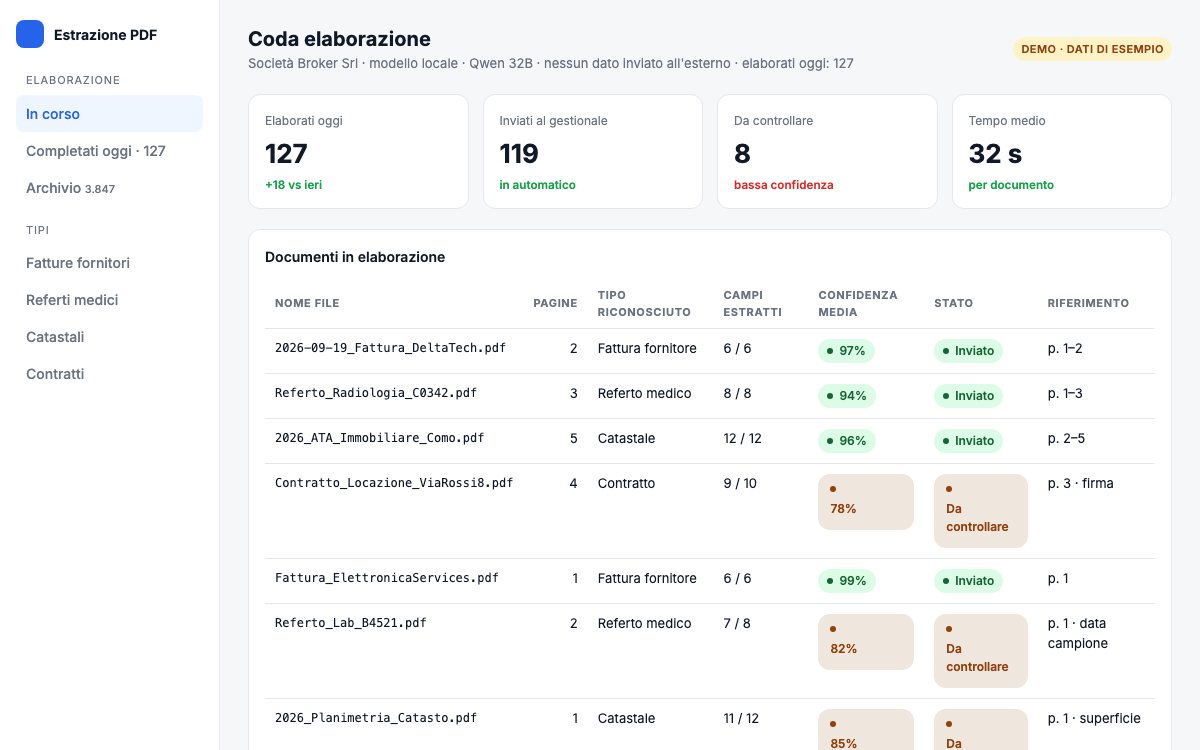
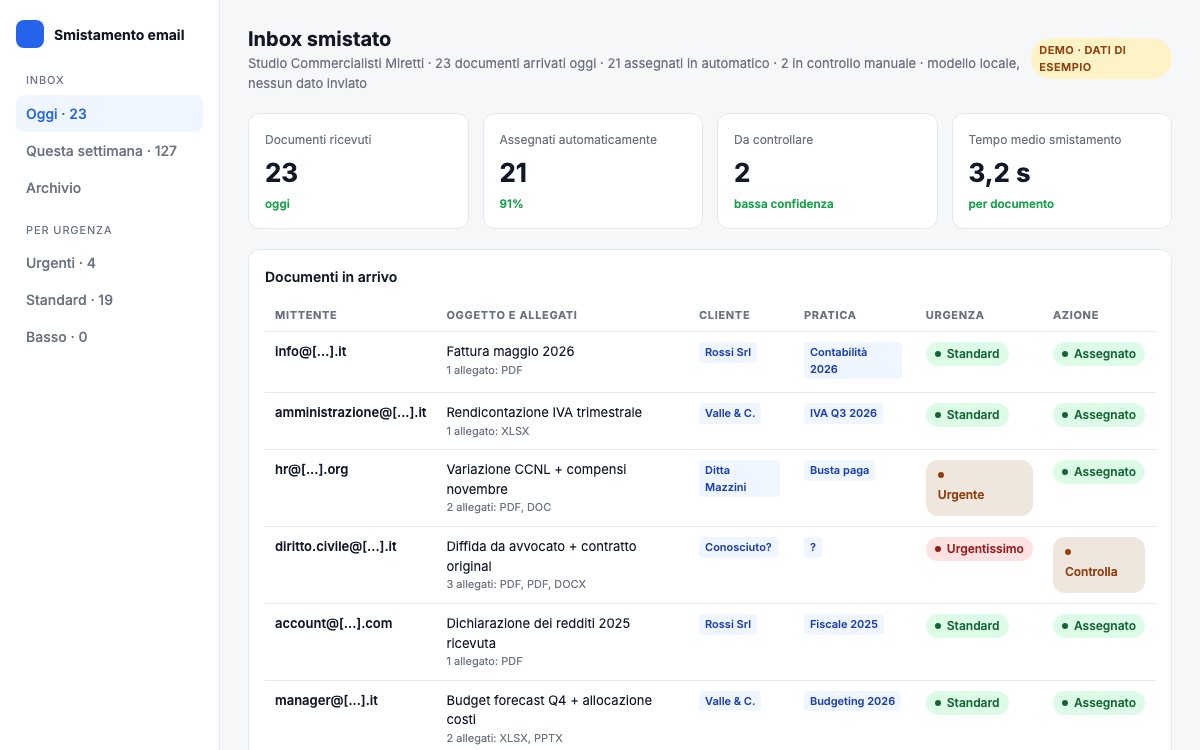
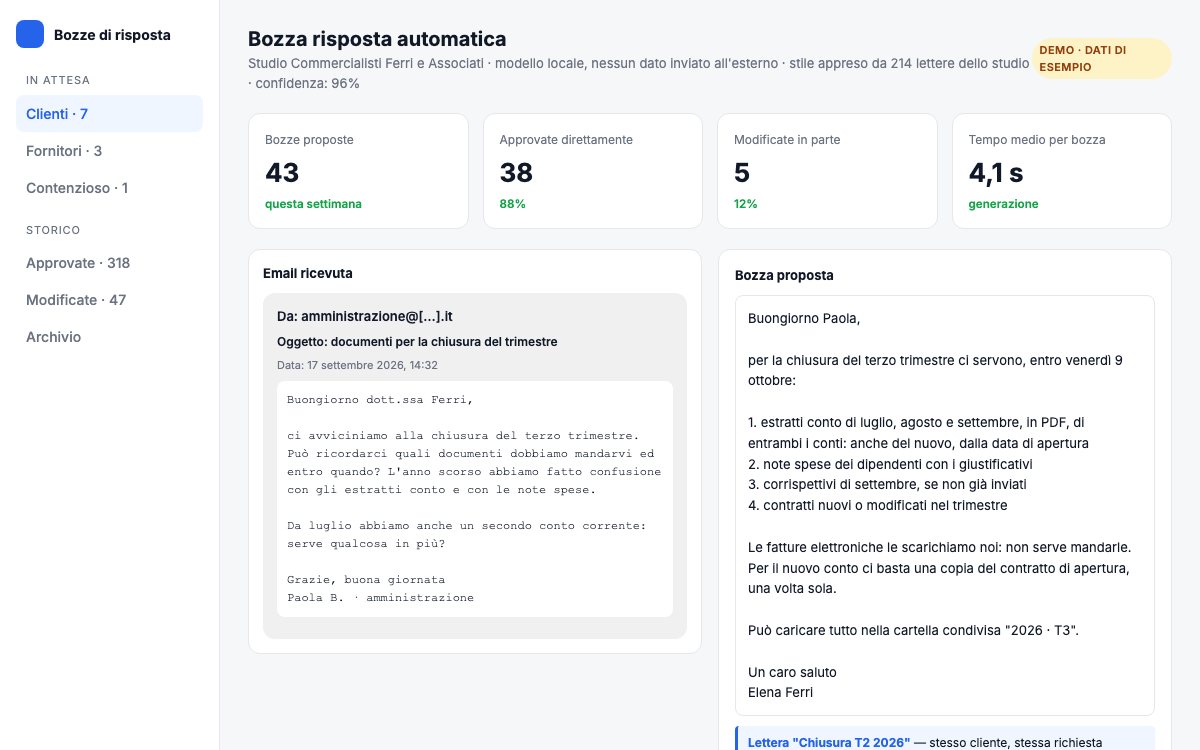
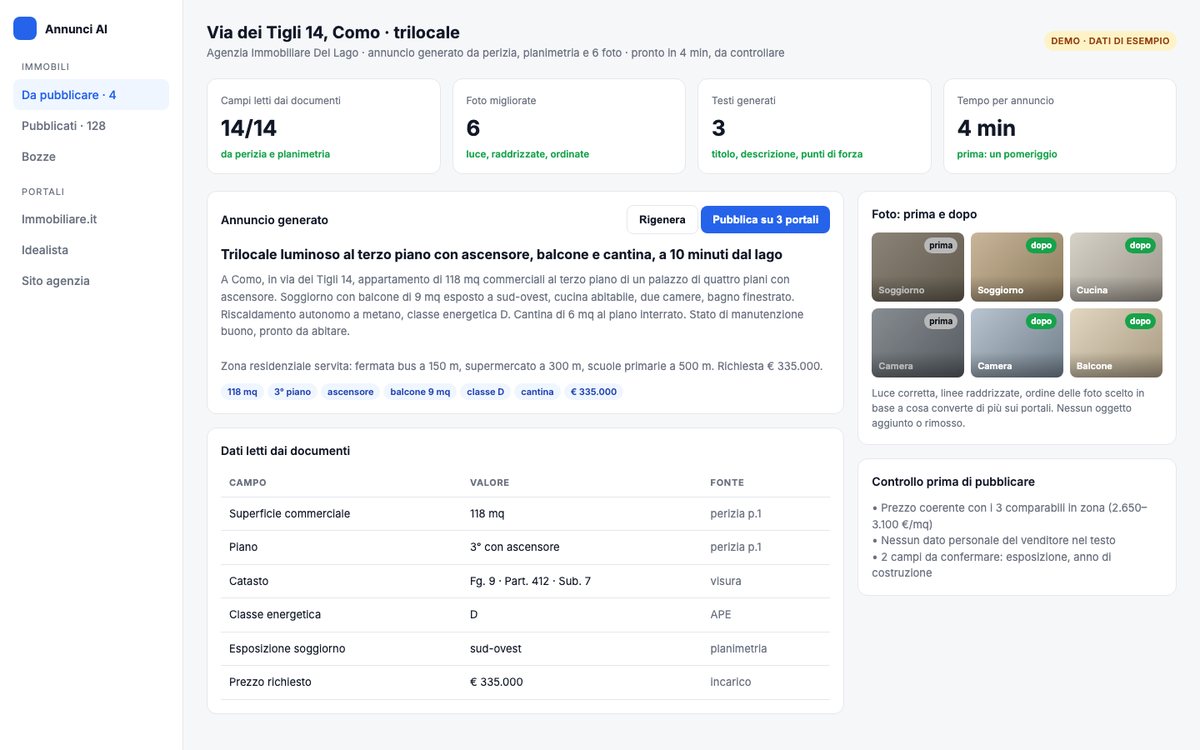
It's not just a chat. Hooked to your software, the model extracts data from incoming PDFs, classifies documents, drafts response ideas, answers questions about internal procedures. Work that today a person does, inside your perimeter.
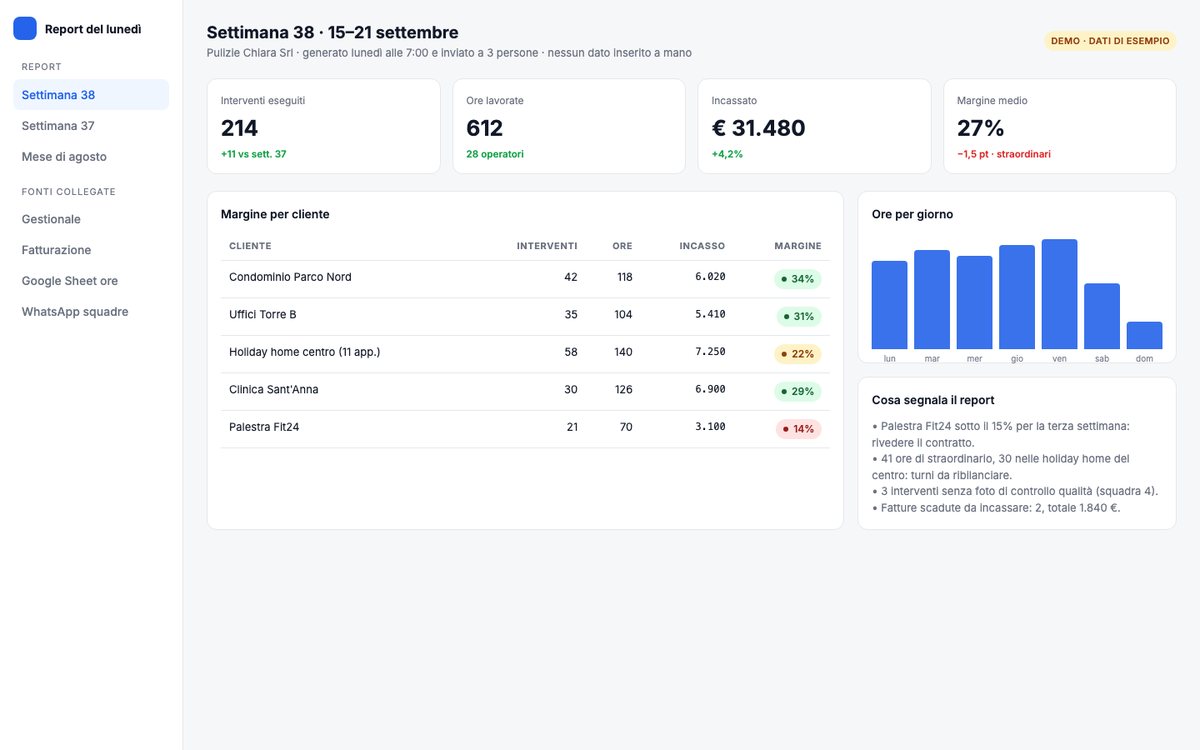
Numbers from your software in a readable report, every week, hands-off.
Examples by sector
Law firm
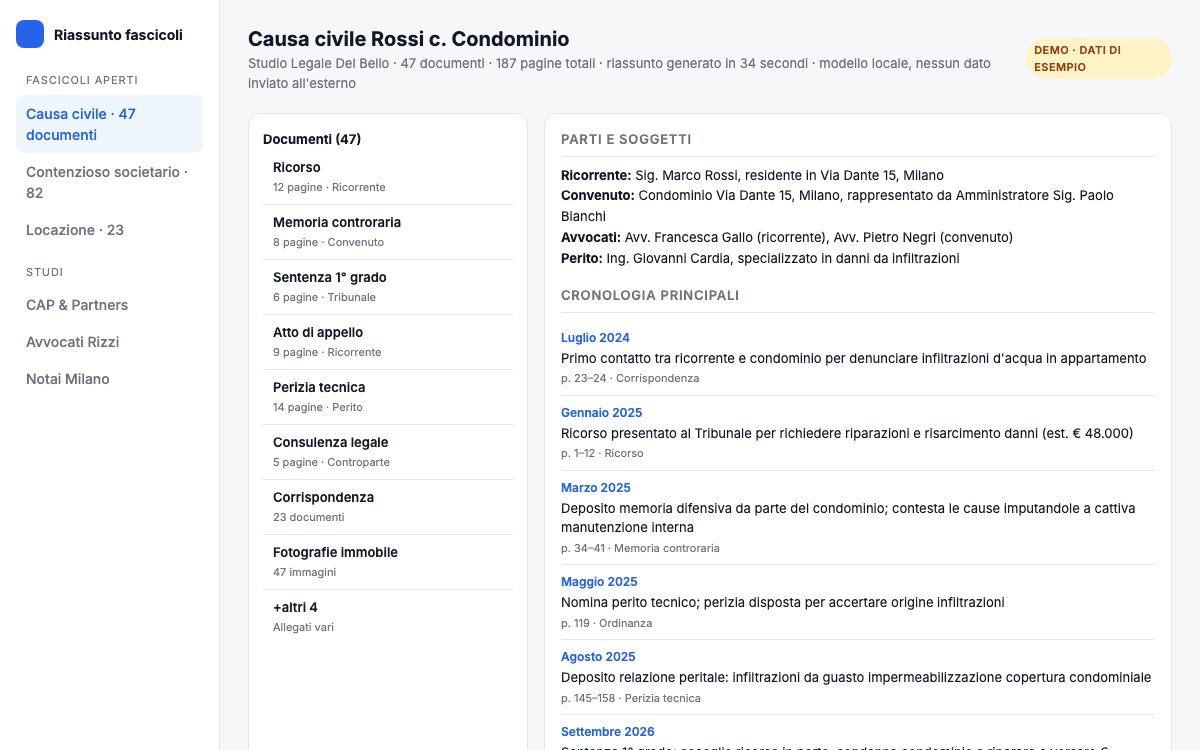
Search in case files, contract analysis, drafts of routine documents. No client document leaves the firm.
Accounting firm
Balance sheet reading, invoice and meeting analysis; answers from internal guidance; classifying client documents.
Medical practice and clinic
Report summaries and record excerpts, form filling, answers from internal protocol. Medical data never in the cloud.
Company with technical data
Manuals, drawings and specs queryable by department; technical research time drops; know-how stays in-house.
Cloud or local: what really changes
For reading, summarizing and extracting data from company documents, current open-source models are enough. For edge cases you test first on your own files and decide with real results.
Cloud AI
On-premise AI
Where data sits
Vendor's servers, often outside EU
Your machine, inside your network
GDPR
Extra-EU transfer to justify
No transfer: data doesn't leave
Cost
Per-use, unpredictable
One-time plus optional maintenance
Without internet
Doesn't work
Works
Who saw what
Vendor's log
Your log, for the AI Act
Dependency
Prices and models decided by others
Open models, you change them when you want
What we deliver
Model and hardware sizing
Based on real volumes: how many documents, how long, how many people. Open-source models (Llama, Mistral, Qwen, DeepSeek). No wasted hardware.
Local install and document hookup
Model runs locally and queries folders you choose: searches, summarizes, extracts data from contracts, assessments and reports. Works offline.
Integration with your software
Data extraction from PDFs straight into your software, response drafts, classifying incoming documents. Hooks into what you use already.
Testing on your cases, with written criteria
Before go-live we test on real documents with acceptance criteria you agree on. If it doesn't hold up, it doesn't go live.
Team training and usage policy
Half a day on real cases plus written policy on what you can upload where. Covers the literacy requirement in the AI Act.
Governance and register
Register of AI uses in your company, who can do what, and human controls on doubtful cases. What the AI Act asks you to be able to show.
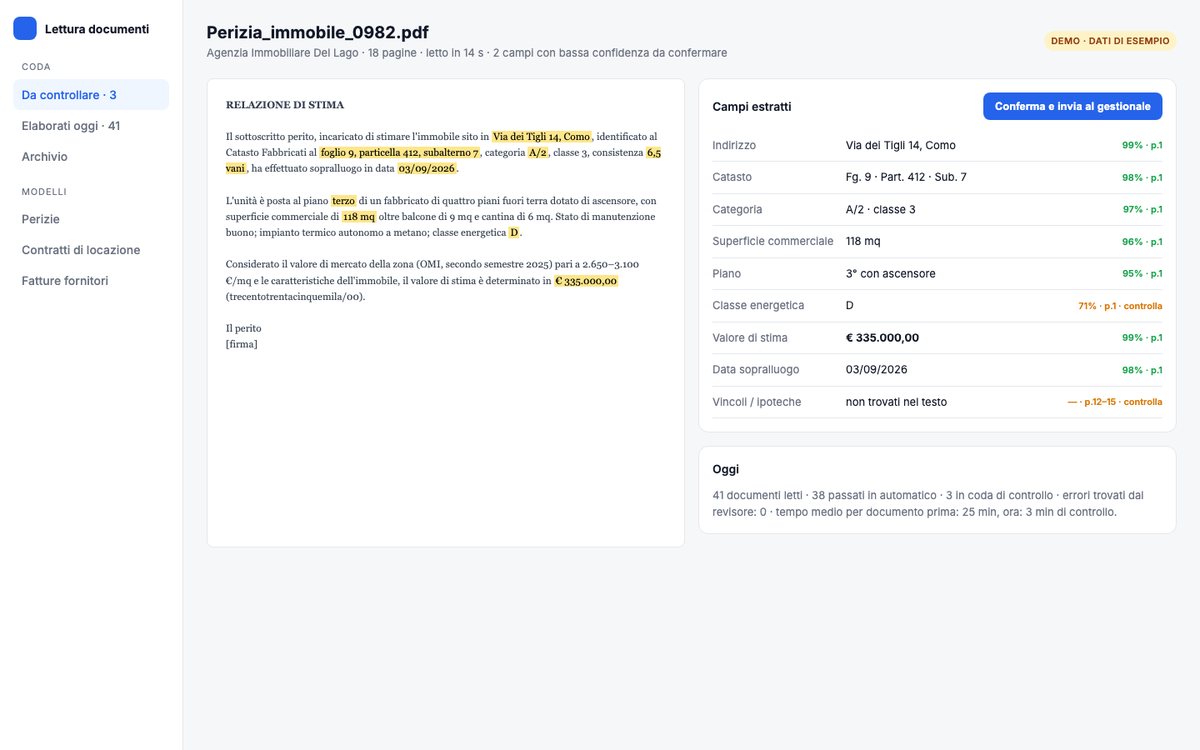
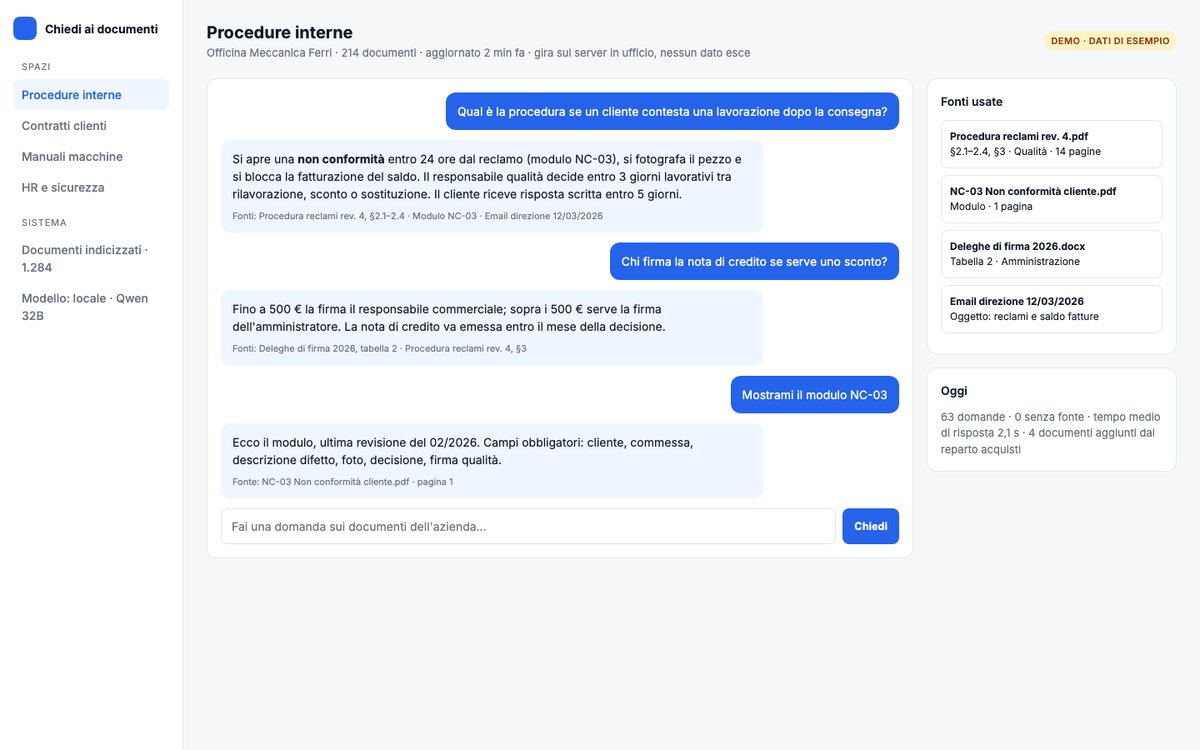
Two demos running with a local model
Sample data. The model answering has no internet access.
DemoDemo: chat on internal procedures, every answer cites the document and paragraph. Open the demo →DemoDemo: appraisal read locally, fields extracted with page and confidence, doubts go to a person. Open the demo →
GDPR, AI Act, Data Act: what they have to do with it
Three EU regulations, one answer: if data doesn't leave, most problems don't start.
GDPR · Regulation (EU) 2016/679
With on-premise AI, personal data isn't transferred to third countries. No standard clauses to defend, no impact assessments on transfers.
AI Act · Regulation (EU) 2024/1689
It already asks for an adequate level of AI literacy in your staff; from 2 August 2026 the main obligations and penalties apply. The training and register I deliver help you show it.
Data Act · Regulation (EU) 2023/2854
Ownership and portability of data your systems generate. With open models and data on your machine, portability is a fact, not a clause.
What machine you need
Often what's already in the office works. We size it after the call, price in writing.
Firm up to 5 people
A Mac with adequate memory on the desk. Reads and summarizes contracts and assessments, answers the internal chat. No server.
Company up to 30 people
A small server in-office with GPU. Documents from all departments, software integration, multiple users together.
High volumes or many users
Dedicated server with professional GPU, or two machines for continuity. For whoever processes thousands of documents a month.
Active in 2–4 weeks
1
Analysis
3–5 days. What you want to do with AI, on which documents, with what confidentiality limits. Model and machine choice, fixed-price quote.
2
Setup and integration
1–2 weeks. Install, hook to folders and your software, test on your documents with written criteria.
3
Training and go-live
Half a day with the team, usage policy, delivery. Maintenance is optional, monthly-fee only if you want it.
Questions about on-premise AI
Do I need expensive hardware?
Depends on volumes. For most firms a Mac with adequate memory is enough; for high volumes or many users a server with GPU. We size after the call, price in writing.
Is a local model as accurate as ChatGPT?
For reading, summarizing and extracting data from company documents, yes, with current open-source models. For edge cases you test first on your own files and decide with real results.
Does data really never leave the company?
No. The model runs on your machine and doesn't need the internet to work. No extra-EU transfer, no data used to train other models.
How much does it cost?
Price is custom and comes after consulting: depends on volumes, model and machine. One-time cost for analysis, install and training, plus optional hardware; optional maintenance as monthly fee. No per-use costs.
What do GDPR and the AI Act have to do with it?
GDPR (Regulation (EU) 2016/679): with on-premise AI, personal data isn't transferred outside the EU. AI Act (Regulation (EU) 2024/1689): it already asks for adequate AI literacy in your staff, and from 2 August 2026 main obligations and penalties apply. The training and policy I deliver help you show it.
Who maintains it after?
Your team uses it on their own. Model updates and support are optional monthly fee, only if you want them. No lock-in: the setup stays yours.
Can I hook it to my software?
Yes, via API or direct file reading. Most common case: data extracted from PDFs lands in your software without manual steps.
Which companies can use it?
Any operation working with confidential documents: law and accounting firms, doctors, insurance, companies with technical or client data. From 3 to 300 people: the machine changes, not the method.
Does it work offline?
Yes. The model and documents sit on your machine. If connection drops, it keeps answering.
What if employees keep using ChatGPT?
With the internal tool ready and written policy, the reason to use the outside one vanishes. Training also helps: understand what you can upload where.
How much time does it take?
2 to 4 weeks: 3–5 days analysis and sizing, 1–2 weeks install and test on your documents, half a day training.
Where is your business losing time?
30 minutes on a call, no commitment. At the end you'll know if your situation can be fixed, how long it takes, and what it costs—in writing. If you don't need AI, we'll tell you and part on good terms.